Reddit is two different things on your phone. There's the app, with its endless home feed. And there's the Reddit thread you land on from Google when you search for an answer, like which laptop to buy or how to fix your sink.
Most people want to block the first and keep the second. This guide shows how, using Apple's Screen Time or a timed block with an app like Focus, and how to block reddit.com too for the hours you want Reddit gone completely.
Your options at a glance
| Option | What it does | Where it breaks |
|---|---|---|
| Reddit's own settings | Turns off recommendations, autoplay, and noisy communities | Reddit has no time limit, so nothing ever stops you |
| Screen Time App Limit | Locks the Reddit app after a daily budget | Only holds with a passcode and Block at End of Limit turned on |
| Blocking reddit.com | Stops Reddit in Safari and other browsers | Also blocks Reddit answers from search, so time it carefully |
| A timed block | Blocks the app, and the website if you choose, until time is up | Needs a separate app |
Step 1: Make the Reddit app less endless
Unlike TikTok, Instagram, or YouTube, Reddit has no daily limit or break reminder to switch on. What it does have are settings that shrink the feed.
- Turn off home feed recommendations. In the Reddit app, open Settings, go to your account settings, and switch off the home feed recommendations toggle. Your home feed then sticks to communities you've joined, instead of filling the gaps with posts Reddit picks for you.
- Mute the communities you doom-scroll. On a community you keep falling into, open its menu and choose Mute. Its posts stop appearing in your feed without you leaving it.
- Turn off autoplay. In Settings, switch off autoplay for videos and GIFs, so the feed stops moving on its own.
- Turn off notifications. Go to Settings → Notifications on your iPhone, choose Reddit, and turn off Allow Notifications. Trending posts and "you might like" alerts are the most common way back in.
These make Reddit calmer, but nothing here limits your time. That has to come from your iPhone.
Step 2: Block the Reddit app with Screen Time
Because the app is where the feed lives, blocking the app does most of the work while leaving search answers in Safari alone.
- Set a Screen Time passcode. Go to Settings → Screen Time → Lock Screen Time Settings and pick a code that isn't your unlock code.
- Add a limit. Go to Settings → Screen Time → App Limits → Add Limit, open Social, select Reddit, and tap Next. One minute is the shortest limit and makes a good all-day block.
- Turn on Block at End of Limit. Open the limit and switch it on. It's hidden until a passcode is set.
If you use other Reddit apps from the App Store, add them to the same limit. Each one is a separate app, so blocking the official app doesn't touch them.
For the settings that stop limits being bypassed, see how to make Screen Time limits actually hold.
Step 3: Decide what to do about reddit.com
With the app blocked, reddit.com still works in Safari, and you can scroll the same home feed there. This is where Reddit differs from most apps: blocking the website also blocks every Reddit answer you click from a search.
Two sensible setups:
- Block the app always, the website at set hours. Keep the app blocked all day, then block reddit.com only during the hours you lose to it, like evenings, with Downtime or a timed block. You can still look things up the rest of the time.
- Block both, always. If the website has become the new app, block it outright: go to Settings → Screen Time → Content & Privacy Restrictions → Content Restrictions → Web Content, choose the middle option, and add
reddit.comunder Never Allow. This applies across every browser.
To include reddit.com in an App Limit instead, scroll to Websites while choosing what the limit covers, tap Add Website, and enter reddit.com.
And as with any App Limit, deleting and reinstalling the app resets it. Close that gap by setting Deleting Apps to Don't Allow under Settings → Screen Time → Content & Privacy Restrictions → iTunes & App Store Purchases.
Where the free options stop working
- Reddit gives you nothing to hit. No daily limit, no reminder. The only stopping point is one you build yourself.
- One tap leads to another. A single search answer is a link to a thread, then a community, then the front page. Blocking only the app doesn't stop that drift in Safari.
- You hold the passcode. Screen Time can be switched off by whoever knows the code, and at midnight that's the person who wants one more thread.
Block Reddit with Focus
Focus is an iPhone app blocker that lets you decide once, at the start, instead of in the middle of a thread:
- Choose Reddit, plus any other Reddit apps you use. Add reddit.com for the hours you want the website gone too.
- Set how long the block should last.
- Start the block.
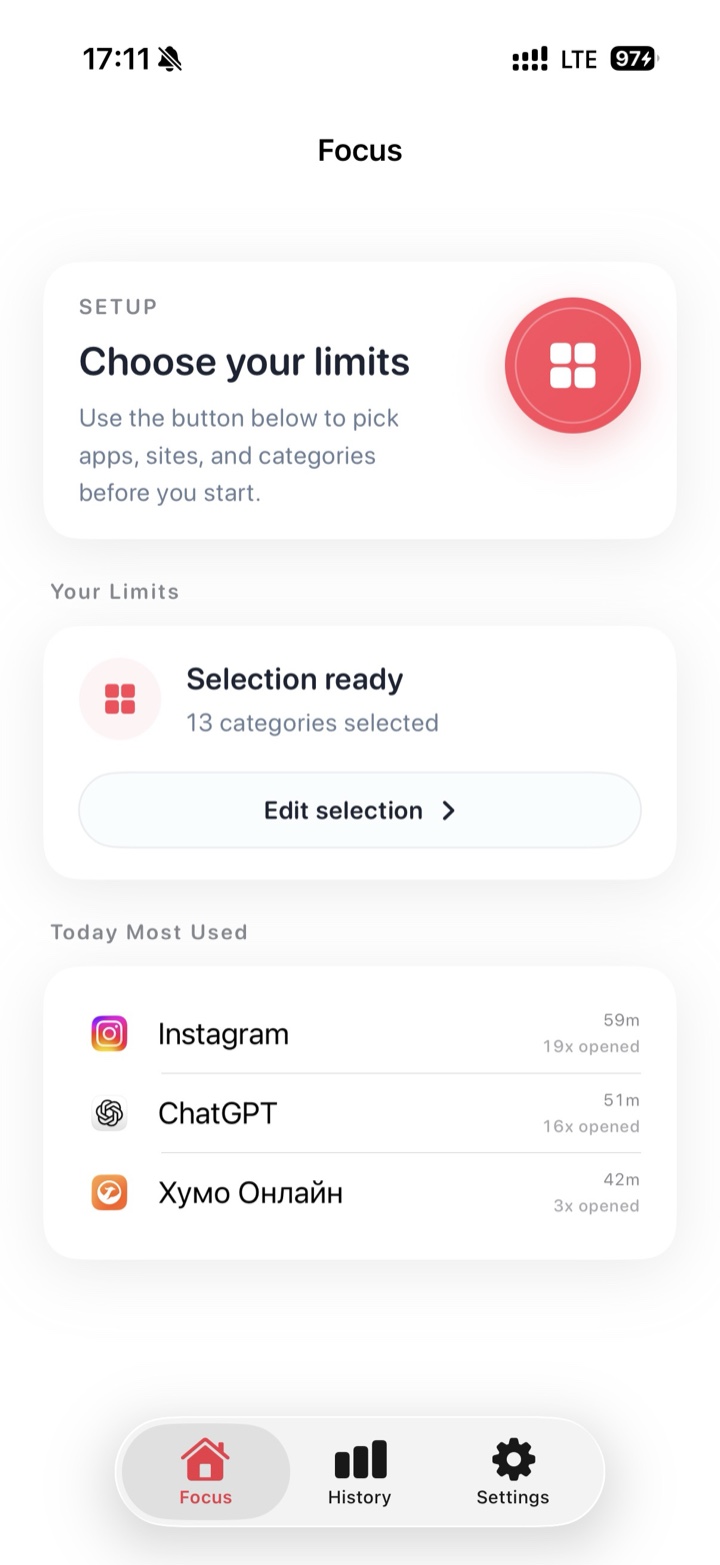
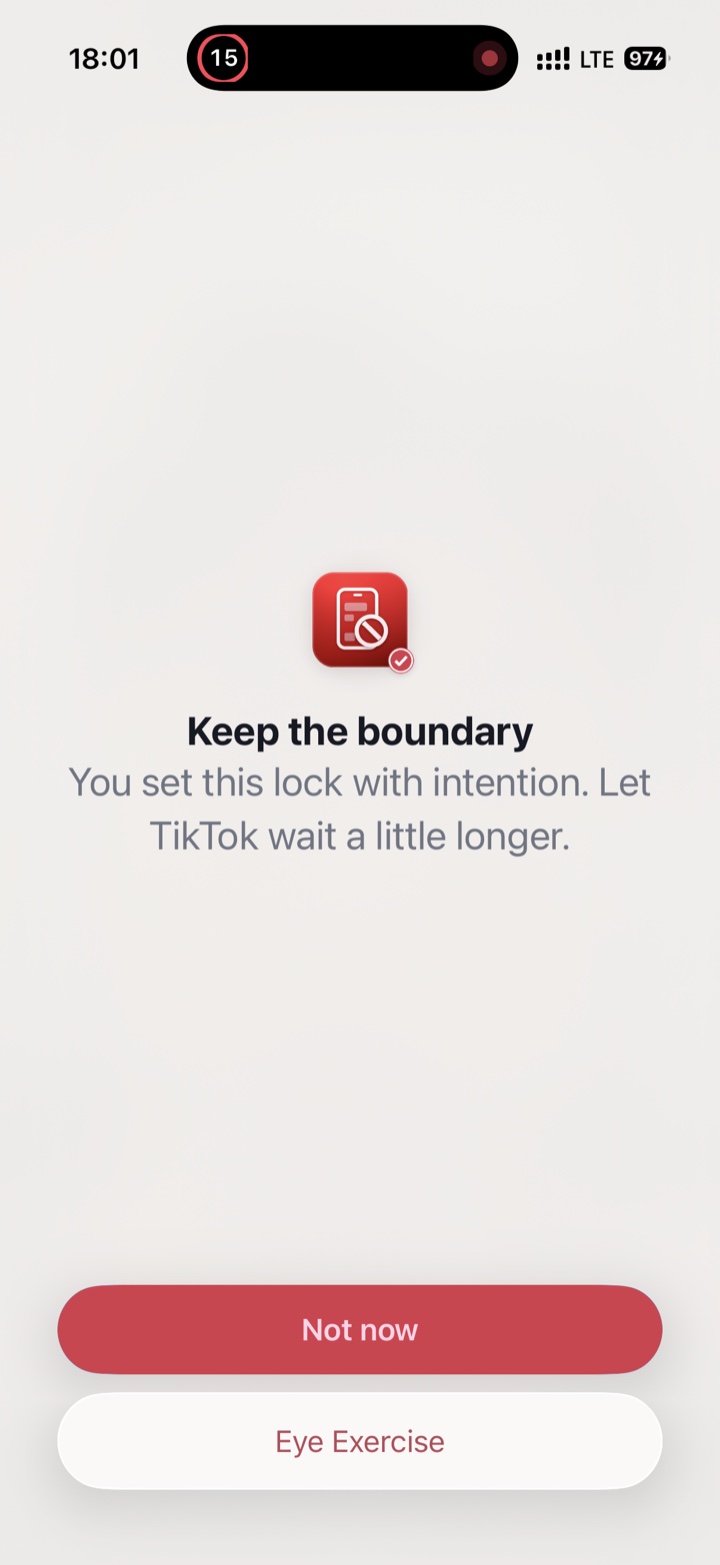
Everything you didn't pick keeps working. If you open Reddit out of habit, Focus shows a pause screen instead of the feed. It uses Apple's Screen Time protections and doesn't need an account.
Tip: because a Focus block runs for a set time, you can block reddit.com during a work session and have it back for lookups afterwards, without touching any settings.
FAQ
Can I block the Reddit app but still read Reddit threads from Google?
Yes. Block only the app and leave reddit.com alone. Search results that link to Reddit open in Safari as usual, while the app's home feed stays out of reach.
Does blocking Reddit affect my account, karma, or messages?
No. Blocking only stops Reddit opening on your iPhone. Your account, karma, communities, and messages stay as they are. Messages are waiting when the block ends.
Why is Reddit still loading in Safari after I blocked the app?
Because the app and the website are blocked separately. Add reddit.com to your App Limit, to Never Allow under Screen Time's web content settings, or to your Focus block.